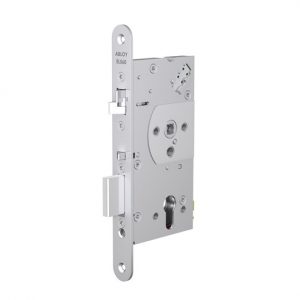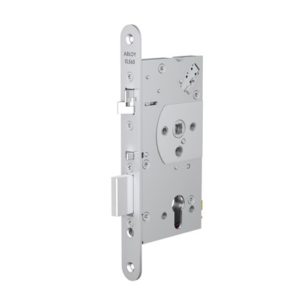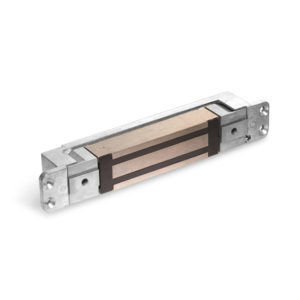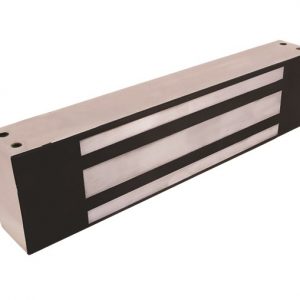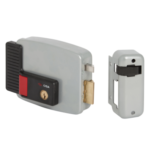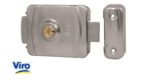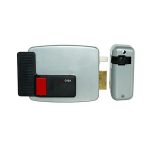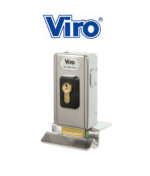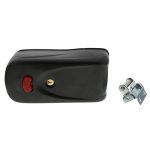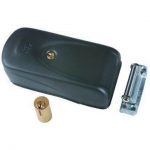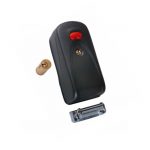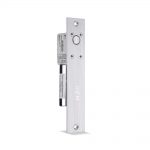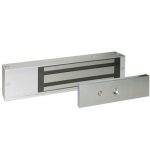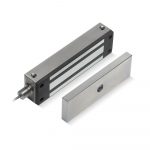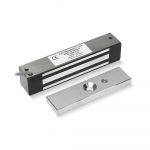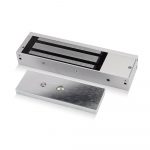

ELS-10002 - MINI MAGNET - MON
ELS-3000S - DIGITAL LOCK
ELS-PSU-1AB - 1 AMP 12VDC PSU
12VDC 1 AMP SMALL BUDGET BOXED REGULATED POWER SUPPLY
[180 x 160mm]
find out more
ELS-EB5 - EXIT BUTTON
ELS-EB1 - EXIT BUTTON
 How To OrderBrowsing through product range
To browse our extensive ranage of products, just select any of our product categories located on the left hand side of the screen.
Adding to the shopping basket
Click the "Add to Cart" button - located adjacent to all products - and your selected product will be placed in the "Shopping Cart" - where you can select a quantity - the default is 1, or remove the item from the "Shopping Cart". Your purchase will not be saved until you press the "Confirm" button. You will then be automatically returned to the section you last visited. At any time you can go to the "Checkout" to finalise your order.
The "Shopping Basket" displays:
A description of all products in the basket Quantities selected - which you can increase or decrease Cost of each product ordered - changes if quantities are increased to more than 1. Option to remove a product The "Shopping Basket" also allows: Checkout of all products in the "Shopping Basket"
Making your purchase
Purchase products by clicking the "Checkout" icon, located on the main menu bar, or via the "Shopping Basket" - both links will open the "Checkout" page
Like the "Shopping Basket", the "Checkout" page displays information on products you have chosen to purchase.
To make a purchase, fill in the purchaser Invoice details form displayed. The Invoice detail form also contains some handy features.
Deliver to the order to an address different than the one stated on the Invoice The "Remember ME!" button remembers Invoice details - saving future input. Once your purchaser information is input, pess the "NEXT" button to proceed to the "Payment Section".
The Payment section enables the selection of several credit card payment options. The following are accepted:
MASTERCARD : VISA : SWITCH
Press the "NEXT" button to finalise your order. An on-screen invoice will now be displayed, stating all order details - which you can print. You will also receive an email confirming the Invoice details shortly after.
When will my order be delivered!
You will be notified by email once payment has been received and you will receive an email confirming the delivery time of your order.
Telephone ordering
You can also order products by calling: +44 (0)1202 828 460
|
 |
<
Back to Top